Table of Contents
Affiliate disclosure: This article contains affiliate links. If you buy a service through our links, we may earn a small fee at no extra cost to you. This setup guide follows NordVPN’s official platform guides.
Setting up NordVPN across all your gear takes less than five minutes per screen once you know which app and setting to pick. A single NordVPN plan covers up to 10 devices at the same time. You can also set it up on a home router to protect every gadget on your Wi-Fi using just one slot.
This step-by-step guide shows you how to install and set up NordVPN on Windows, Mac, iPhone, Android, Amazon Fire TV Stick, and home routers. For the TV or home-router part of a VPN setup, follow How to Set Up Surfshark on Firestick, Smart TV, Apple TV and Home Routers.
Before You Start: Check Your Account and Device Slots
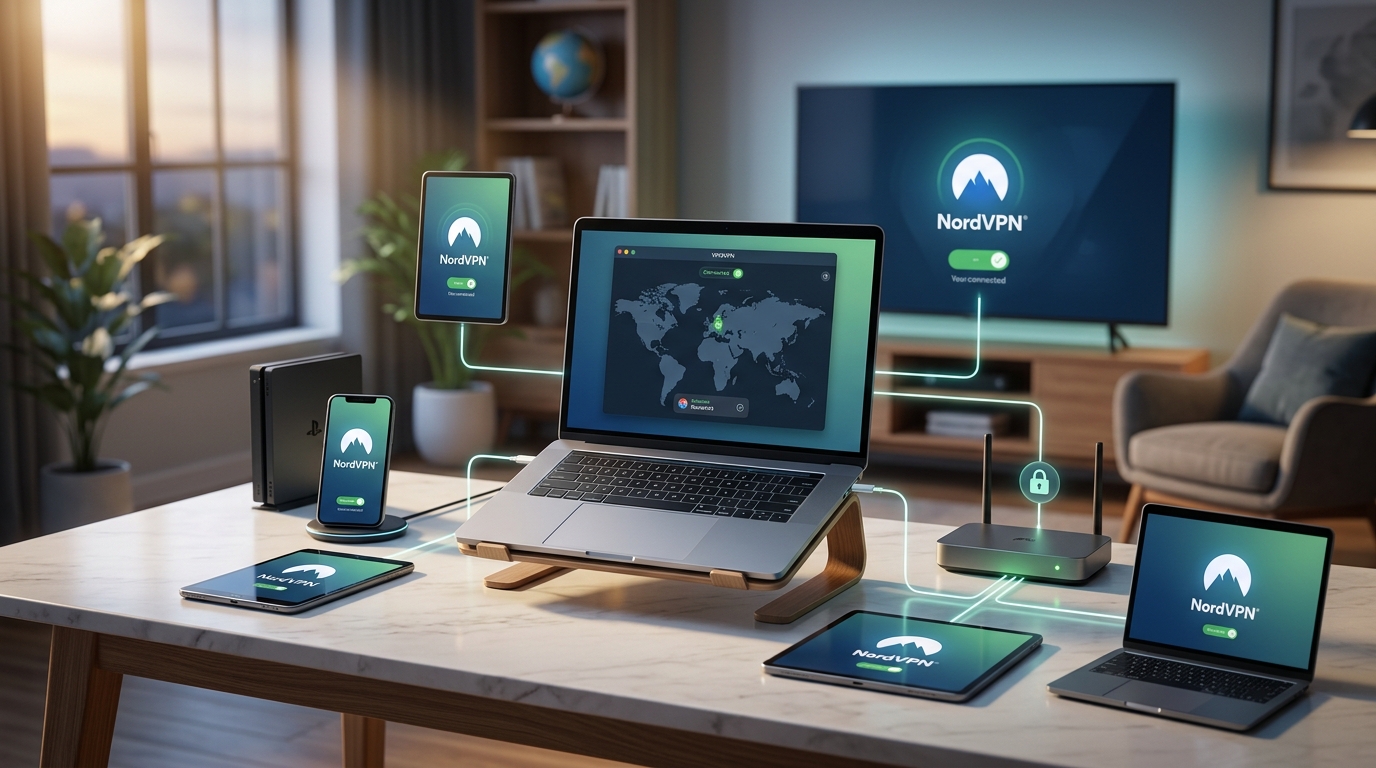
According to NordVPN’s official device limit guide, one account protects up to 10 devices at once. You can install the app on more than 10 screens, since only active links count toward the cap.
- Get NordVPN (30-Day Money-Back Guarantee): Create your account first so your login is ready for each step below.
- Check Surfshark Price: If your home needs more than 10 active VPN links at once without setting up a router, Surfshark allows unlimited devices.
1. How to Set Up NordVPN on Windows 10 and Windows 11
The Windows desktop app includes NordVPN’s full toolset. That covers the Kill Switch, Split Tunneling, and Threat Protection Pro (NordVPN Windows Guide).
- Download the official file: Sign in to your Nord Account panel and download the Windows `.exe` file.
- Run the setup wizard: Open the file, approve the Windows prompt, and click Install.
- Log in via browser: Open NordVPN and click Log In. A browser tab will open to check your Nord Account login.
- Turn on key safety settings: Click the gear icon (Settings) on the left bar:
- Under Connection, set the VPN protocol to NordLynx for the fastest speeds.
- Under Kill Switch, turn on Internet Kill Switch so your traffic never leaks if Wi-Fi drops.
- Under Auto-connect, turn on auto protection for public Wi-Fi networks.
- Click Quick Connect: The app picks the fastest nearby server and turns the map pin green.
2. How to Set Up NordVPN on Mac (macOS)
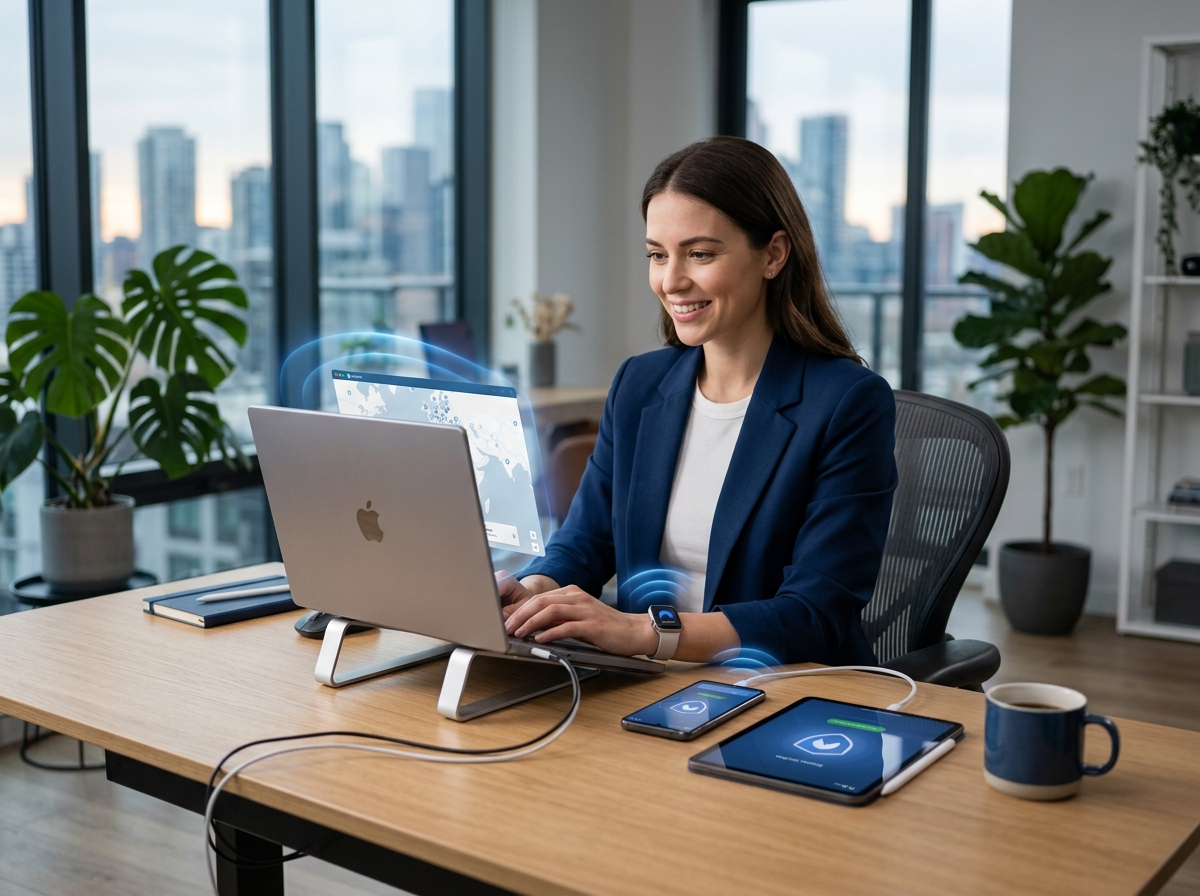
Mac users can install NordVPN from the Mac App Store or straight from NordVPN’s website. Both versions support Apple Silicon (M1, M2, M3, M4) and Intel Macs (NordVPN macOS Guide). If you are choosing a provider for an Apple Silicon Mac or an ARM-based Windows laptop, compare native apps and battery drain in NordVPN vs Surfshark on macOS and Windows Copilot+ Laptops.
- Download and open the app: Get the macOS app from NordVPN or the Mac App Store and move it to Applications.
- Approve the VPN profile: When macOS shows a box asking to “Add VPN Configurations,” click Allow and enter your Mac password or Touch ID.
- Pick NordLynx and Kill Switch: Open Preferences, choose NordLynx as your protocol, and flip the Kill Switch on.
- Connect: Click Quick Connect or pick a country from the left list.
3. How to Set Up NordVPN on iPhone, iPad, and Android
Phones and tablets join coffee shop, hotel, and airport Wi-Fi far more often than desktop PCs. If the same devices will be used on travel Wi-Fi, review Best VPN for Travel and Public Wi-Fi Security. Setup takes about two minutes on both mobile stores.
- Install the official app: Search for NordVPN in the Apple App Store or Google Play Store.
- Sign in and allow VPN access: Tap Quick Connect. Your phone will ask to add a VPN profile; tap Allow or OK.
- Turn on Wi-Fi Auto-Connect: Open your profile tab, tap Settings, and turn on Auto-Connect for open Wi-Fi networks. You can also add your home Wi-Fi to the “Trusted Networks” list.
- Android Split Tunneling tip: On Android, open Settings > Split Tunneling to let apps like Android Auto or local banking apps skip the VPN tunnel.
4. How to Set Up NordVPN on Fire TV Stick, Android TV, and Apple TV
You no longer need complex Smart DNS tweaks on modern TV boxes:
- Amazon Fire TV Stick and Google TV: Open the Amazon Appstore or Google Play Store on your TV. Search for NordVPN, install the app, and scan the on-screen QR code with your phone. That logs you in right away without typing a long password on a TV remote.
- Apple TV (tvOS 17 or newer): Open the Apple TV App Store, download the NordVPN tvOS app, sign in, and connect with one click.
5. How to Set Up NordVPN on a Home Router
Setting up NordVPN on a supported router (such as ASUSWRT, OpenWRT, or pfSense) protects every gadget on your home Wi-Fi. That includes game consoles and smart home hubs, while using only 1 of your 10 device slots (NordVPN Router Setup Guide).
- Check router support: Make sure your router supports OpenVPN or WireGuard client mode. Most modems rented from your internet provider do not support VPN clients.
- Copy your Service Credentials: Log in to your Nord Account panel, go to NordVPN > Manual Setup, and copy your Service Credentials. These are separate from your normal email and password.
- Upload the config file: Download a server config file from NordVPN. Open your router admin page (often `192.168.1.1`), paste your Service Credentials into the VPN Client tab, and turn the connection on.
Want to see how NordVPN performs before you install it? Read our full NordVPN review or check our NordVPN vs. ExpressVPN vs. Mullvad comparison.
Frequently Asked Questions
Why won’t my router login accept my normal NordVPN email and password?
Routers and manual OpenVPN setups require special Service Credentials (a separate username and password code). You can find them inside your Nord Account panel under Manual Setup.
Does running NordVPN on a router slow down home Wi-Fi?
Because the router chip handles encryption for every screen in the house, cheap routers can slow down during heavy 4K streaming. Use a router with a fast multi-core chip, or run the NordVPN app right on your main laptops and phones.
What should I do if a home printer stops working when NordVPN is on?
Open NordVPN Settings on your PC or phone and make sure “Stay invisible on LAN” is turned off. That lets your device see local printers and shared folders while keeping web traffic safe.

Signature collective de la rédaction. Les articles sont préparés avec l aide d outils d IA.
Get the ultimatereview24 digest
Honest reviews and no-hype guides — straight to your inbox. No spam, unsubscribe anytime.
Some links in our articles are affiliate links. See our full Affiliate Disclosure for details.