Table of Contents
title: “Best Matter Smart Home Hub 2026: Top Picks & #1 Surprise”
slug: “best-matter-smart-home-hub-2026”
domain: “ultimatereview24.com”
primary_keyword: “best Matter smart home hub 2026”
meta_description: “Comparing the best Matter smart home hub 2026: Samsung SmartThings, Aqara M3, Apple TV 4K, Home Assistant Green, and Echo. Honest picks for every budget.”
date: 2026-08-10
word_count: 2780
status: draft
schema:
– Article
– FAQPage
– Author
Affiliate disclosure: This article contains affiliate links. If you buy through them, we earn a commission at no extra cost to you. Rankings are based on research and editorial criteria, not commission rates.
Best Matter Smart Home Hub 2026: Top Picks & #1 Surprise
The best Matter smart home hub in 2026 is the Samsung SmartThings Station for most households. It supports Matter, Thread, Zigbee, and Z-Wave in one box for around $99, runs automations locally so nothing breaks when the internet goes down, and works with every major voice assistant. That said, the right hub depends on your ecosystem. Apple users will find the Apple TV 4K more reliable. Tinkerers will prefer Home Assistant Green. This guide breaks down six top options, explains the protocol differences (Thread vs Zigbee vs Z-Wave), and tells you exactly which hub fits which situation.
What Is a Matter Hub and Why Does It Matter in 2026
A Matter hub is the device that ties your smart home together. Matter is an open connectivity standard backed by Apple, Google, Amazon, and Samsung that lets devices from different brands talk to each other without workarounds or proprietary bridges.
Before Matter, a Philips Hue bulb, an Aqara sensor, and a SmartThings switch required three separate apps, three separate clouds, and often three separate hubs. Matter collapses that. One app, one hub, one protocol.
Matter 1.5, released in November 2025, expanded the standard to include cameras, smart blinds, garage door closures, soil sensors, and enhanced energy management. The device catalog grew significantly as a result, according to mattercatalog.com.
What makes a hub “Matter-compatible” vs “Matter controller”
Not all Matter-labeled devices are equal:
- Matter controller: the brains. It commissions new devices, runs automations, and acts as the command center. Examples: Apple TV 4K, Amazon Echo, Google Nest Hub 2nd gen, SmartThings Station.
- Matter bridge: translates non-Matter devices (Zigbee, Z-Wave) into the Matter ecosystem. The Philips Hue Bridge v2 does this for Hue bulbs.
- Thread Border Router: creates the Thread mesh network that lower-power devices (sensors, locks) use to communicate. Most 2026 controllers include this.
If you are starting fresh, you want a Matter controller with a built-in Thread Border Router. That covers 95% of buyers.
The 6 Best Matter Smart Home Hubs in 2026
1. Samsung SmartThings Station: Best Overall
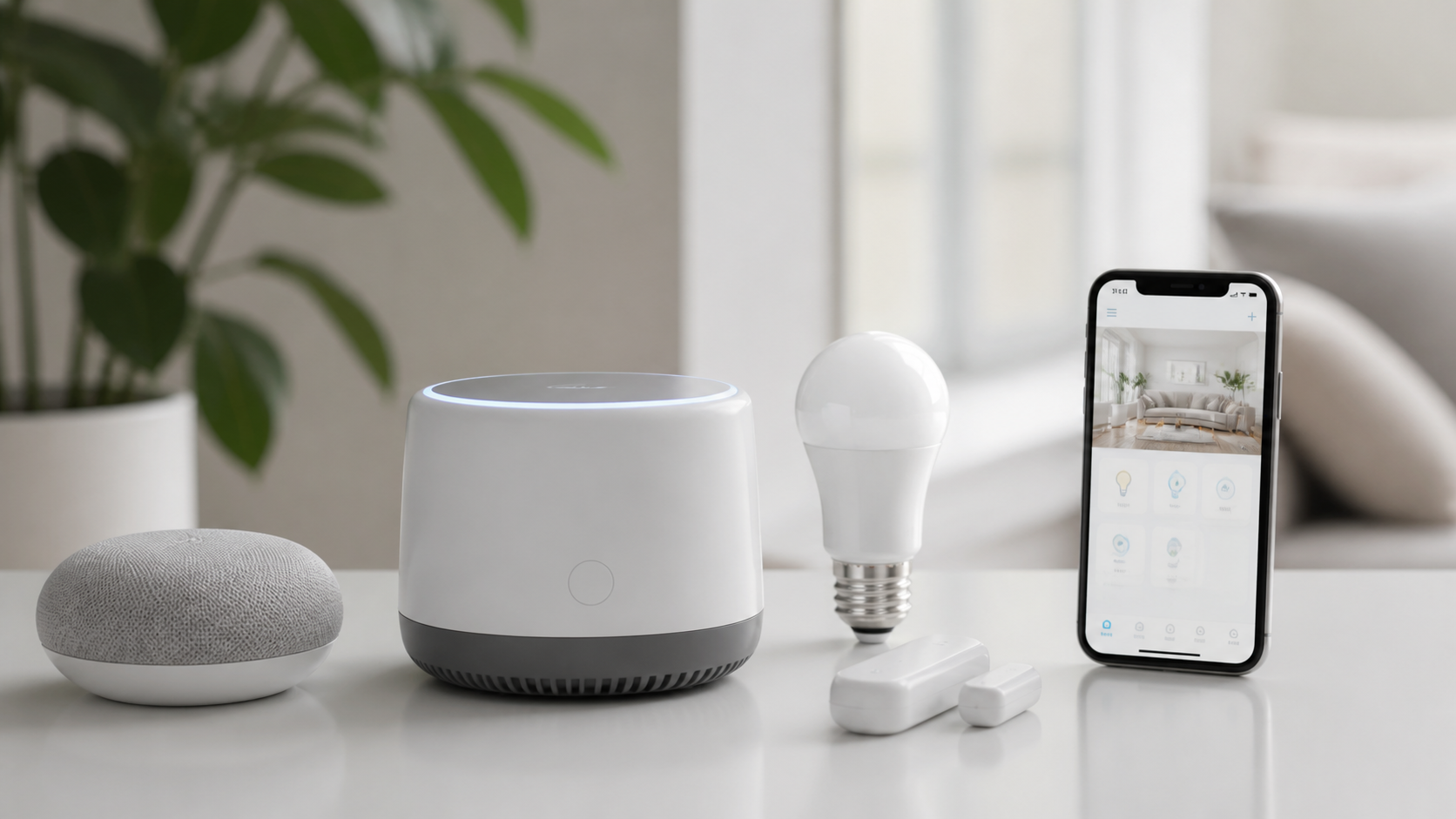
The SmartThings Station is the clearest all-in-one pick for households with mixed device brands. It handles Matter, Thread, Zigbee, and Z-Wave simultaneously, meaning it bridges your older Zigbee sensors and newer Thread bulbs through a single interface. No second hub required.
| Spec | Detail |
|---|---|
| Price | ~$99 |
| Protocols | Matter, Thread, Zigbee, Z-Wave, Wi-Fi |
| Local processing | Yes (Edge drivers) |
| Works with | Alexa, Google Home, Apple Home (via Matter) |
| Ethernet | Yes |
Why it is the top pick: Local processing via SmartThings Edge drivers means your automations keep running during outages. Rival hubs that depend on cloud processing go silent the moment your ISP has trouble.
Drawback: The SmartThings app has a learning curve. New users may find the interface more complex than Apple Home or Google Home.
Who should skip it: Apple-only households. The Apple TV 4K gives a tighter integration with HomeKit devices and Siri.
2. Aqara Hub M3: Best for Automation Depth
The Aqara M3 is the best choice if you plan to run 20+ devices with complex automations. It includes dual-band Wi-Fi, a Thread Border Router, Zigbee 3.0, and Matter controller support in one unit. Crucially, it bridges Aqara’s own Zigbee accessories into Apple Home, Google Home, and Alexa over Matter.
| Spec | Detail |
|---|---|
| Price | ~$89 |
| Protocols | Matter, Thread, Zigbee 3.0, Wi-Fi |
| Local processing | Yes |
| Works with | Apple Home, Google Home, Alexa |
| Ethernet | Yes |
Standout feature: Aqara’s local automation engine is more capable than most consumer hubs at this price. If/then/else logic, time conditions, and multi-step scenes all run on-device.
Drawback: No Z-Wave. If you have an existing Z-Wave network (door locks, smoke sensors), you either add a Z-Wave hub or consider replacing those devices.
Who should skip it: Households already invested in SmartThings or Home Assistant. The M3 is at its best as the primary hub in a fresh Aqara-anchored setup.
3. Apple TV 4K (3rd gen): Best for Apple Households
Apple TV 4K is the most reliable Matter hub if every phone in your home is an iPhone. It acts as a Matter controller, Thread Border Router, and HomeKit hub simultaneously. Connect it via Ethernet and it becomes the always-on backbone of an Apple-centric smart home.
| Spec | Detail |
|---|---|
| Price | ~$129 |
| Protocols | Matter, Thread, Wi-Fi |
| Local processing | Yes (on-device HomeKit) |
| Works with | Apple Home (Alexa via Matter bridge) |
| Ethernet | Yes |
Why it surprises buyers: Most people think of Apple TV 4K as a streaming box, not a smart home hub. In practice, it is the most tested and most praised Thread Border Router available as of 2026, according to real-world reliability threads on the Home Assistant community and the r/homekit subreddit.
Drawback: Apple-only by default. Non-Apple users get limited value. No Zigbee or Z-Wave radio, so legacy devices require a separate bridge.
Who should skip it: Android users, Google Home users, anyone without an Apple ID at the center of their setup.
4. Home Assistant Green: Best for Open-Source Control
Home Assistant Green is the pick if you want zero vendor lock-in and maximum integration breadth. It runs Home Assistant OS locally, supports Matter (via the Home Assistant Matter server), and connects to virtually every smart home protocol through USB dongles (Zigbee, Z-Wave, Thread).
| Spec | Detail |
|---|---|
| Price | ~$99 |
| Protocols | Matter + any protocol via USB dongle |
| Local processing | Yes (100% local) |
| Works with | Everything, with community integrations |
| Ethernet | Yes |
Why it stands out: Home Assistant has over 3,000 integrations. If a device exists, there is likely an integration. Energy monitoring, presence detection, and AI-assisted automations all run locally without monthly fees.
Drawback: Setup requires technical comfort. This is not a plug-and-play device. Expect a few evenings of configuration before everything works as intended.
Who should skip it: Non-technical users or anyone who wants a hub that works in 10 minutes out of the box.
5. Amazon Echo (4th gen): Best Budget Entry Point
The Echo 4th gen is the lowest-cost way to get a Matter controller and Zigbee hub in one unit. At around $99 (and frequently on sale for less), it includes a built-in Zigbee hub and now supports Matter 1.5 over its Eero Wi-Fi mesh integration.
| Spec | Detail |
|---|---|
| Price | ~$99 (often $79 on sale) |
| Protocols | Matter, Zigbee, Wi-Fi |
| Local processing | Limited (cloud-dependent for Alexa routines) |
| Works with | Alexa, Matter controllers |
| Ethernet | No |
Why it earns its spot: For renters, first-time smart home buyers, or households that just want a few smart bulbs and plugs working with voice control, the Echo 4th gen requires no configuration beyond the Alexa app. It is the fastest path to a working Matter setup.
Drawback: No Z-Wave. No Ethernet port. Automations depend on Alexa’s cloud, so local outage resilience is weak. The HomePod mini comparison is worth noting: Amazon’s Echo gets louder and works across more ecosystems; the HomePod mini sounds better but locks you into Apple.
Amazon Echo vs Apple HomePod mini: For hub functionality, Echo wins on compatibility breadth. HomePod mini wins on audio quality and Apple Home depth. If you use Android or a mixed household, Echo is the practical call.
6. Homey Pro: Best for Europe and Mixed Protocols
Homey Pro handles the widest protocol list of any hub reviewed here. It supports Matter, Thread, Zigbee, Z-Wave, Wi-Fi, Bluetooth, Infrared, and 433 MHz radio, making it relevant for European homes with older Z-Wave devices and newer Thread sensors.
| Spec | Detail |
|---|---|
| Price | ~$399 |
| Protocols | Matter, Thread, Zigbee, Z-Wave, Wi-Fi, BLE, IR, 433 MHz |
| Local processing | Yes |
| Works with | Alexa, Google Home, Apple Home |
| Ethernet | Yes |
Drawback: The price. At $399, Homey Pro costs four times more than the SmartThings Station. Unless you have an existing sprawling Z-Wave and IR network to unify, the SmartThings Station delivers comparable everyday value for less money.
Thread vs Zigbee vs Z-Wave: Which Protocol Should You Care About
This is where most buyers get confused. Here is the plain-language breakdown, based on ravepubs.com’s 2026 protocol comparison.
| Protocol | Frequency | Range per Hop | Device Count (2026) | Best For |
|---|---|---|---|---|
| Thread | 2.4 GHz | 10-30 m | Growing fast | New builds, IP-native devices |
| Zigbee | 2.4 GHz | 10-30 m | 500M+ deployed | Existing installs, budget sensors |
| Z-Wave | 908 MHz (US) | 30-100 m | 100M+ deployed | Penetrating walls, high reliability |
Thread is the protocol built into Matter. New smart home devices released in 2025-2026 (Nanoleaf bulbs, Eve sensors, Aqara locks) are shipping with Thread first. It is IP-native, meaning each device gets its own IPv6 address and is directly addressable on your network.
Zigbee has 20 years of deployed devices and a massive ecosystem. It runs on 2.4 GHz, which means Wi-Fi interference can be an issue in crowded apartment buildings, but a well-placed Zigbee coordinator (like the SmartThings Station or Aqara M3) handles this reliably.
Z-Wave uses a sub-GHz frequency that passes through walls better than 2.4 GHz protocols. For door locks, smoke detectors, and security sensors, Z-Wave remains a practical choice, particularly in older buildings with thick concrete walls. If you have an existing Z-Wave network, keep it. If you are starting fresh, Thread and Zigbee cover most needs.
Practical recommendation for 2026: Use Thread for new devices (plugs, bulbs, locks), Zigbee to fill the gaps where Thread availability is thin, and Wi-Fi for cameras and speakers. Keep Z-Wave only if you already have it invested.
How to Set Up a Matter Smart Home in 2026
Setting up Matter is faster than setting up older smart home systems. The core process, according to doityourselfhub.com:
Step 1: Choose and connect your hub
Place your chosen hub (SmartThings Station, Apple TV 4K, etc.) in a central location. Connect via Ethernet if possible. Wired hubs are significantly more stable than Wi-Fi-only hubs for always-on control.
Step 2: Update firmware
Before adding any devices, update your hub’s firmware through its app. Matter 1.5 features (cameras, garage doors) require current firmware on both the hub and the devices.
Step 3: Commission new devices
Open your controller app (Apple Home, Google Home, Alexa, SmartThings). Select “Add device” or “Add accessory.” Scan the QR code on the Matter device’s packaging. The app handles the rest: it pairs the device over your local network without cloud dependency.
Step 4: Assign to rooms and build routines
Group devices by room. Build your first automation, such as “turn off all lights when everyone leaves home.” Test it manually before relying on it.
Step 5: Secure your network
This step is underestimated. Your smart home hub connects your locks, cameras, and climate controls to the internet. If your network is compromised, your home is too.
A VPN on your router encrypts traffic between your hub and the broader internet, and adds a layer of protection if you manage your smart home remotely. NordVPN offers router-level VPN support and is one of the few services that maintains consistent speeds suitable for real-time smart home control. It is worth considering, particularly if you use remote access features on your hub.
Best Matter Compatible Devices to Add After Choosing Your Hub
Once the hub is in place, here are the top categories with strong Matter support in 2026, per mattercatalog.com’s device guide:
Smart plugs: The TP-Link Kasa KP125M delivers energy monitoring and broad compatibility at under $20. Available on Amazon.
Lighting: Nanoleaf Essentials bulbs ship with Matter over Thread out of the box. No bridge required. Philips Hue (via the Hue Bridge v2 acting as a Matter bridge) remains the most feature-rich lighting system.
Smart locks: Aqara’s U400 lock, announced at CES 2026, brings Matter over Thread, palm recognition, and Apple Home Key support to the same device.
Sensors: Eve Door and Window Sensor 2nd gen uses Thread natively and reports to any Matter controller without an additional bridge.
You can also explore our review of the best AI laptops with Copilot+ in 2026 for a broader picture of how AI-integrated devices are changing home setups, or check out our Galaxy Ring vs Oura Ring 4 comparison for smart health wearables that can pair with smart home routines.
Our Verdict: Which Hub Should You Buy
| Buyer type | Best pick | Why |
|---|---|---|
| Mixed brands, everyday user | Samsung SmartThings Station | Protocol breadth, local processing, $99 |
| Apple household | Apple TV 4K | Tightest Thread reliability, doubles as streaming box |
| Power user or tinkerer | Home Assistant Green | 3,000+ integrations, 100% local, no lock-in |
| Budget entry point | Amazon Echo 4th gen | Fastest setup, lowest friction, often on sale |
| Deep Aqara ecosystem | Aqara Hub M3 | Best local automation for Aqara devices |
| Large mixed-protocol home | Homey Pro | Most protocols, worth the premium for complex setups |
Bottom line: The SmartThings Station earns the overall recommendation. It is the hub that does not force you to choose sides between Apple, Google, and Amazon. It handles old and new protocols. It works locally. And at $99, it sits at a fair price for what it delivers.
If every device in your home has an Apple logo on it, get the Apple TV 4K instead. That is the honest call.
Check Samsung SmartThings Station on Amazon
Frequently Asked Questions
What is the best Matter smart home hub in 2026?
The Samsung SmartThings Station is the best all-around Matter hub for most households in 2026. It supports Matter, Thread, Zigbee, and Z-Wave, runs automations locally, and works with Alexa, Google Home, and Apple Home. Apple-exclusive households should consider the Apple TV 4K instead.
Do I need a hub for Matter devices?
Yes, you need a Matter controller. This can be a dedicated hub like the SmartThings Station, or a device that doubles as one: Amazon Echo, Apple TV 4K, Google Nest Hub 2nd gen, or an iPad set as a home hub. Without a controller, Matter devices cannot run automations or respond to remote commands.
Is Matter better than Zigbee in 2026?
Matter is the standard, and Thread (the mesh protocol underneath Matter) is replacing Zigbee for new devices. Zigbee is not going away, though: it has over 500 million deployed devices and remains widely supported. The practical answer is that Thread devices are better for new purchases, while Zigbee covers the existing device library.
Can Amazon Echo work as a Matter hub?
Yes. The Amazon Echo 4th gen includes a Zigbee hub and works as a Matter controller. It supports Matter 1.5 and can commission Thread and Wi-Fi Matter devices. Its main limitation is that complex automations depend on Alexa’s cloud rather than running fully locally.
Is Apple HomePod mini a good Matter hub?
The HomePod mini works as a Matter controller and Thread Border Router, but it is best suited to Apple-only households. Non-Apple ecosystems get limited benefit. As of mid-2026, the HomePod mini 2 has not shipped, so the original model remains the current Apple smart speaker hub option.
How do I make my Matter smart home more secure?
Use strong Wi-Fi passwords, enable two-factor authentication on your controller app account, and keep hub firmware updated. For households with remote access enabled (viewing cameras, controlling locks remotely), consider a VPN like NordVPN at the router level to encrypt traffic between your home network and the internet.
What Matter-compatible devices should I buy first?
Start with smart plugs (TP-Link Kasa KP125M), then add lighting (Nanoleaf Essentials or Philips Hue). These give immediate value, are easy to set up, and help you evaluate your hub’s performance before investing in locks or cameras. You can also check our roundup of best earbuds with live translation 2026 for complementary smart home audio gear.
This article is updated for August 2026.

Signature collective de la rédaction. Les articles sont préparés avec l aide d outils d IA.
Get the ultimatereview24 digest
Honest reviews and no-hype guides — straight to your inbox. No spam, unsubscribe anytime.
Some links in our articles are affiliate links. See our full Affiliate Disclosure for details.